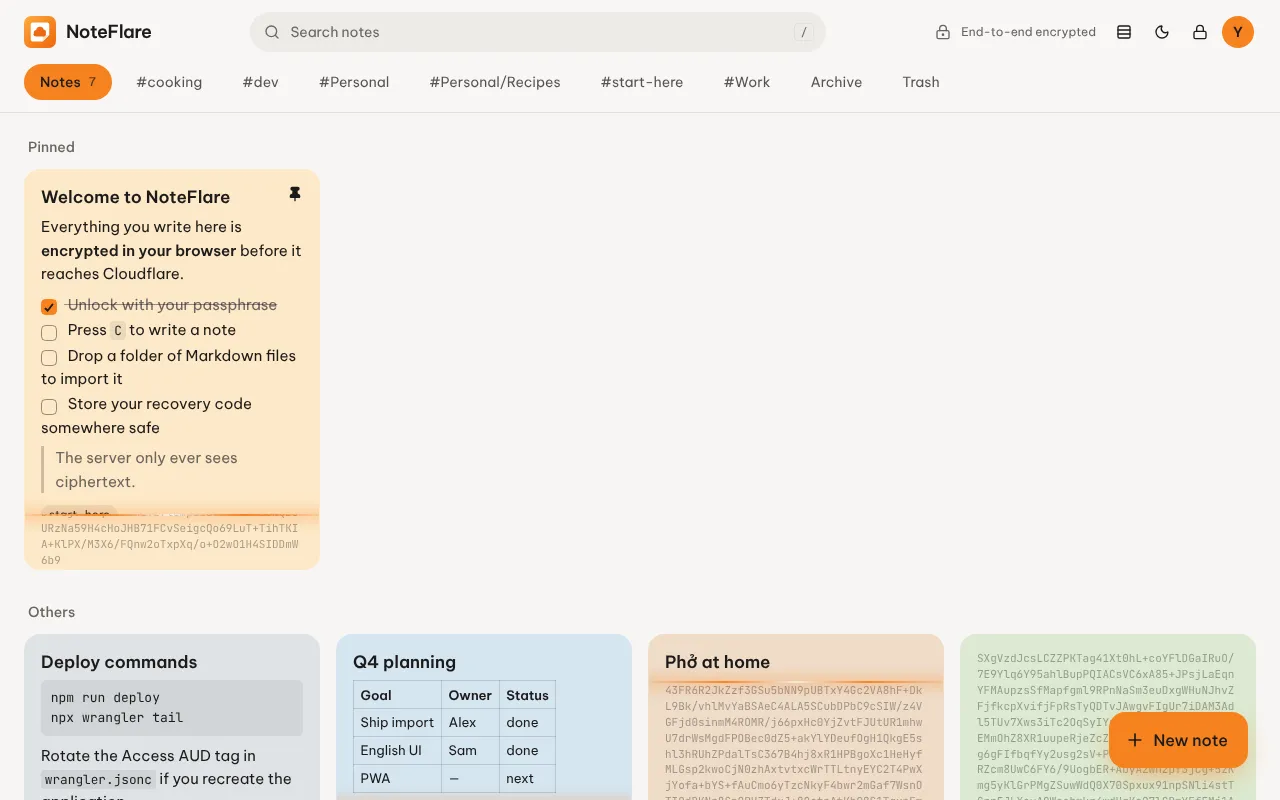
3. Create your passphrase
Your passphrase is separate from the Cloudflare login. The login decides who may open the app. The passphrase is what encrypts your notes, and it never leaves your browser.
-
Open your NoteFlare link and sign in with the code Cloudflare emails you.
-
Choose a passphrase. A sentence of five or more words is strong and easy to remember.
-
Write down the recovery code NoteFlare shows you. Keep it somewhere safe, away from your passphrase.
-
Start writing. Every note is encrypted before it is sent.
Locking and unlocking
Section titled “Locking and unlocking”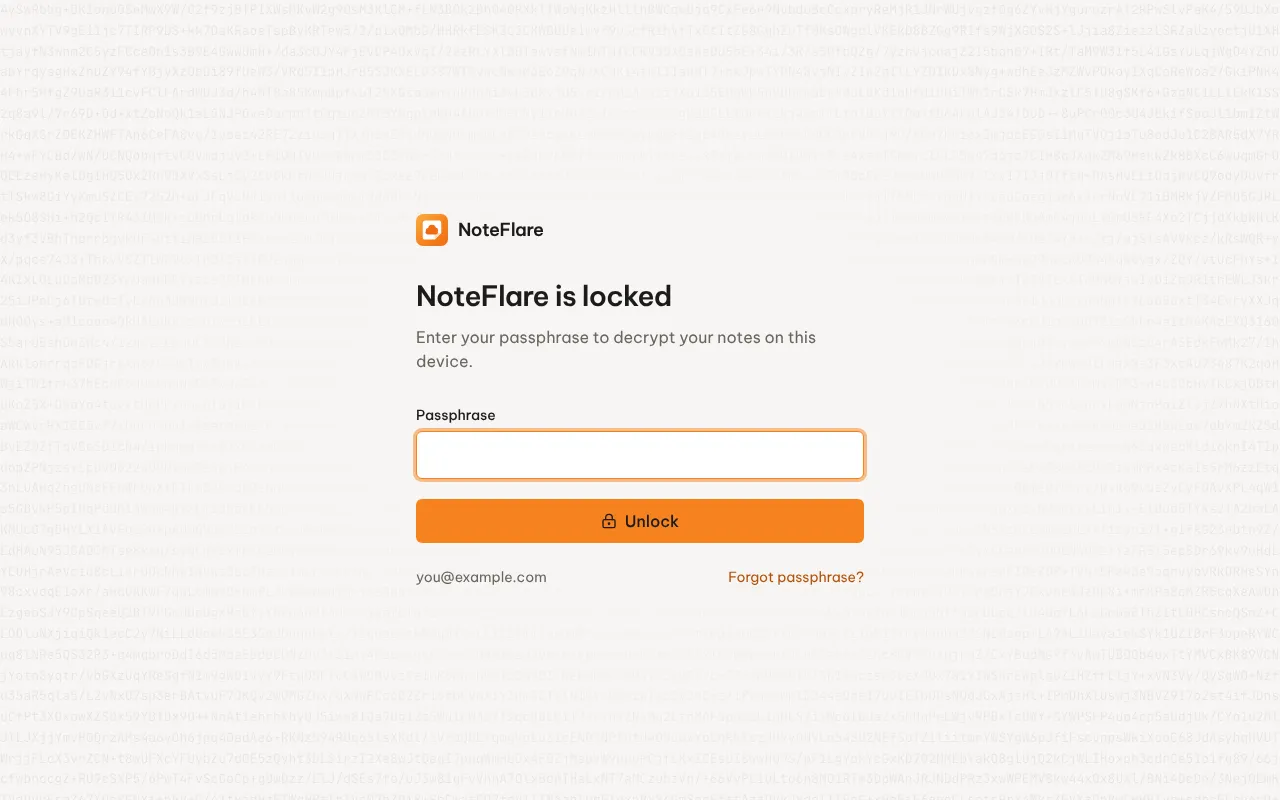
- NoteFlare locks itself after 15 minutes idle, or with one click. Locking wipes the keys from memory.
- Unlock with your passphrase. Notes decrypt in place as you watch.
- If you forget the passphrase, use Forgot passphrase? on the lock screen with your recovery code.