
Install on your phone, use it offline
NoteFlare installs from the browser like an app. There is no App Store build. Open your NoteFlare link and sign in once, then:
In Chrome: Account menu → Install app, or Chrome’s menu → Install app.
In Safari: Share → Add to Home Screen. Account menu → Install app shows the steps.
In Chrome or Edge: the install icon in the address bar, or Account menu → Install app.
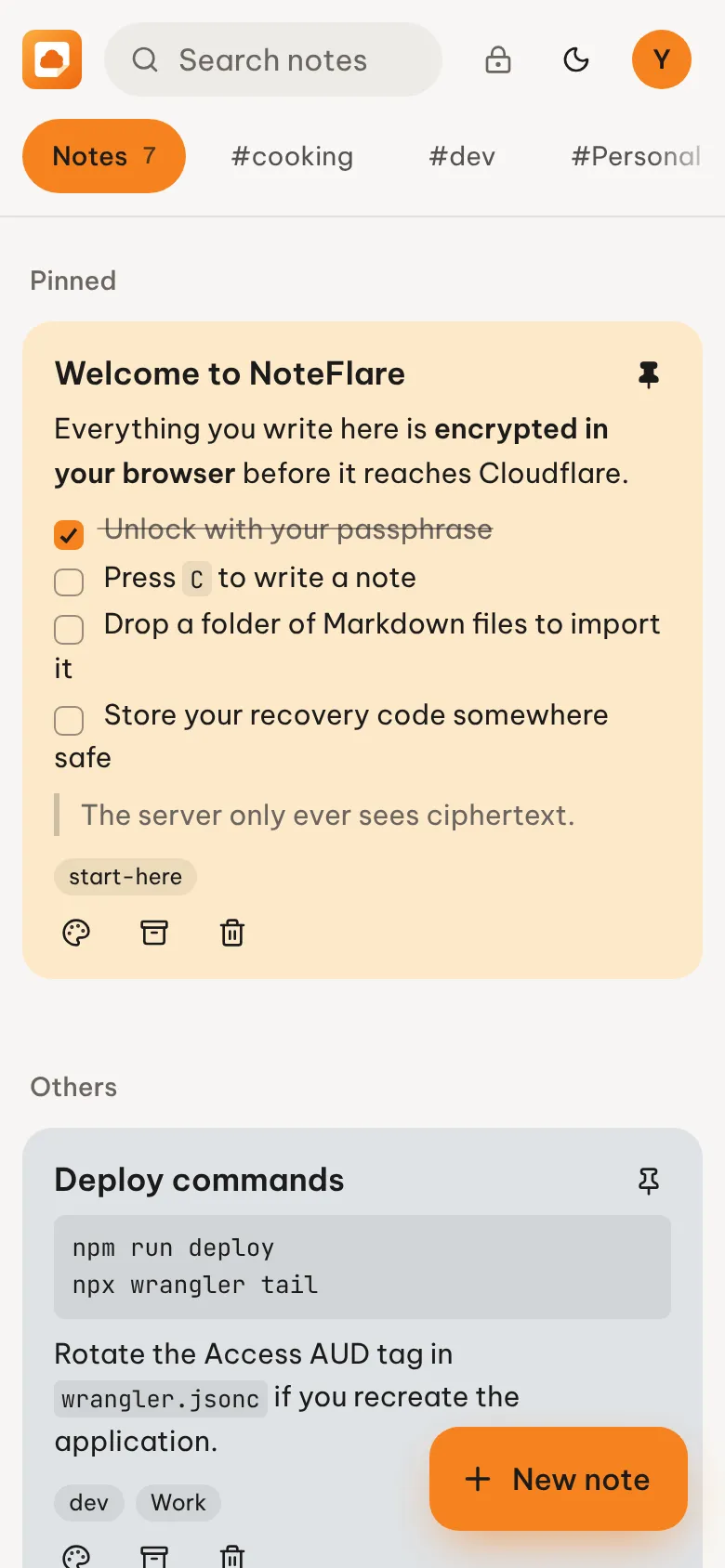
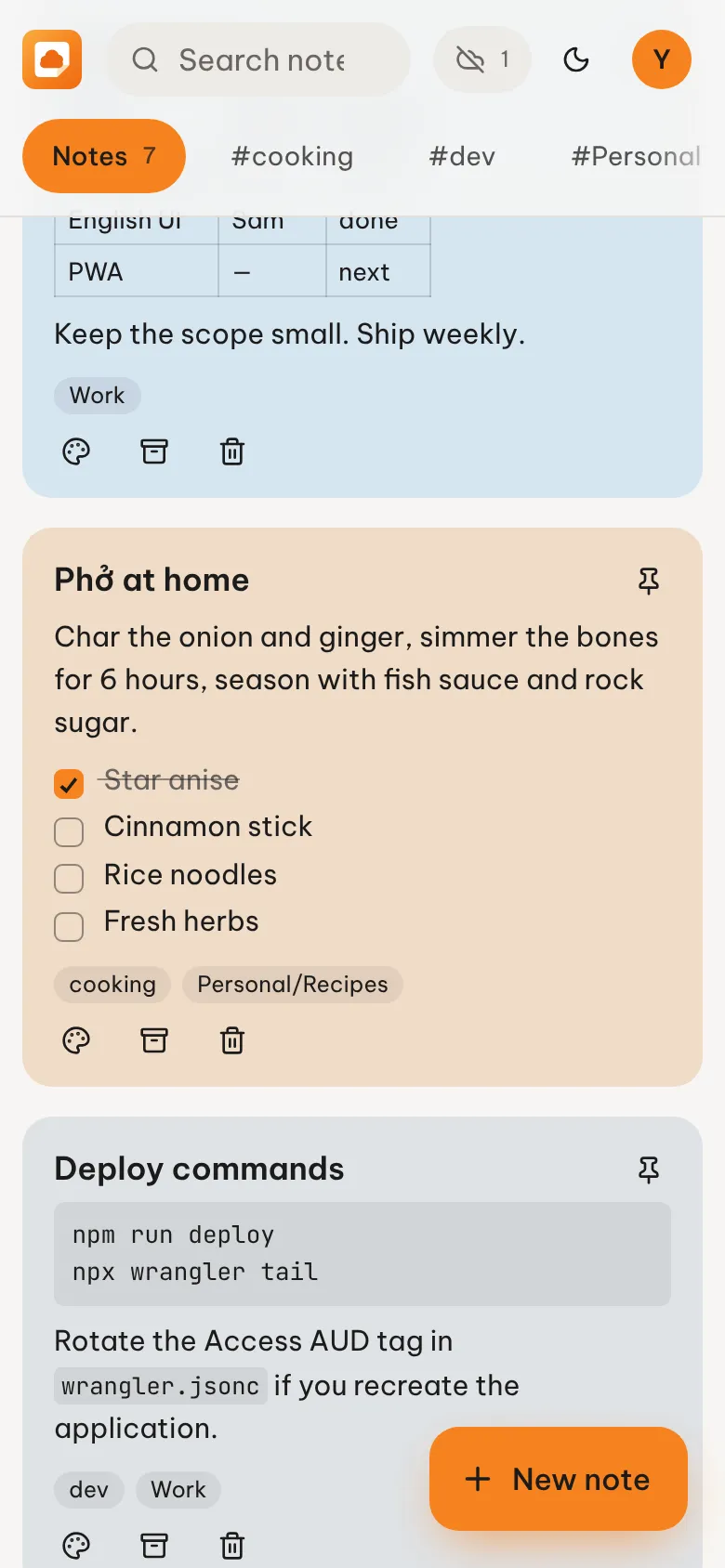
What works offline
Section titled “What works offline”Opening the app, unlocking with your passphrase, reading, searching, writing, editing, pinning, archiving, deleting and importing.
The header shows Offline · N unsynced until everything has reached your Worker.
Two things need a connection: setting up a new account, and recovering with a recovery code.
Once installed
Section titled “Once installed”- Share to NoteFlare from other apps (Android). Shared text and links become a new note, saved as soon as you unlock.
- Open
.mdfiles with NoteFlare (desktop Chrome and Edge). They are encrypted and imported like a dropped folder. - New note from the app icon’s shortcut menu.
- Launching it again focuses the window you already have open, so you don’t unlock twice.
- When a new version is deployed, NoteFlare offers to reload instead of switching underneath you.
How it works
Section titled “How it works”A service worker caches the app itself. Your notes are cached in IndexedDB as the same ciphertext the server stores, plus the wrapped keys, so the device copy is just as unreadable without your passphrase. Edits go into a queue on the device and are pushed in order when a connection is available.
Signing out deletes the device copy.