
Import your Markdown
Drag a folder, or a few .md files, anywhere onto NoteFlare. You can also use Account → Import a Markdown folder…. Files are read and encrypted in your browser, then uploaded in batches.
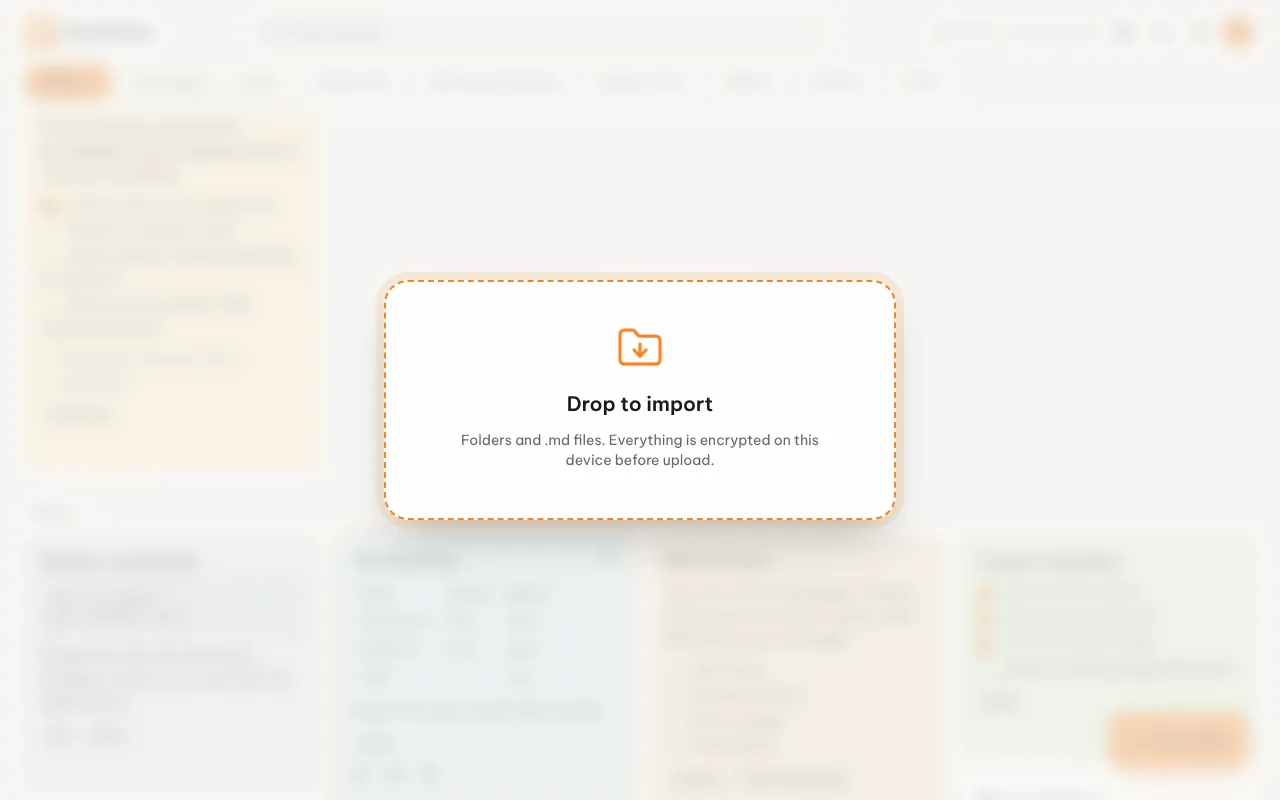
To try it, use the examples/sample-notes folder from the repository.
How a file becomes a note
Section titled “How a file becomes a note”| Part of the note | Where it comes from |
|---|---|
| Title | title in YAML frontmatter, else the first # Heading, else the file name |
| Labels | tags from frontmatter (Obsidian style works), plus the sub-folder the file lives in |
| Color, pinned, archived | color, pinned and archived in frontmatter |
---title: Trip to Da Lattags: [travel]pinned: true---
- [ ] Book flights- [ ] Pack a jacket
What is skipped
Section titled “What is skipped”.obsidian,.gitandnode_modulesfolders- Files that are not Markdown
- Notes you already have, with the same title and body. Importing twice is safe.
Obsidian vaults
Section titled “Obsidian vaults”Drop the vault folder. Frontmatter tags become labels, sub-folders become labels, and .obsidian/ is ignored. Wiki-links and embeds are kept as plain text.